 Rock-solid security30-day money back guaranteeComodo Secure SealBoost customer confidence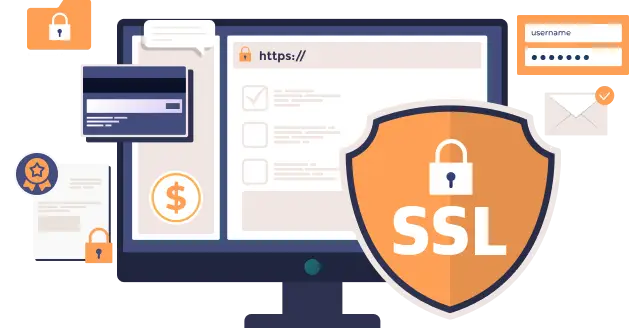
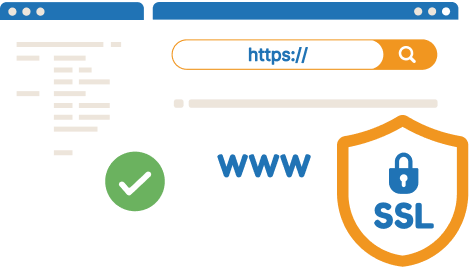
An SSL certificate creates a secure tunnel through which information including usernames, passwords, credit card numberspass safely.
After you purchase an SSL certificate, it needs to be activated.

Begin by purchasing the right SSL certificate for your needs. Choose from the three types listed .

You’ll be able to activate your SSL certificate from the Account Panel immediately.

You will receive instructions on how to your SSL certificate once validated.

You may manage SSL certificates (including renewal and reissuance) in Panel.
Latest Google Chrome updates now shows visitors a ‘Not Secure’ message in the URL if your website is not https (i.e. no SSL certificate). If it isn’t secure, visitors are more likely to refrain from entering information, making purchases or even signing up for your email list.Google will also rank websites without an SSL certificate lower on the search results page (SERP), affecting your SEO efforts, traffic and revenue at the same time.
Launch your website with high-performance WordPress hosting powered by NVMe SSD servers and 24/7 expert support.
Get started NowLooking for other hosting solutions? cPanel Hosting, Reseller Hosting, and eCommerce Hosting.


 English
 Domains
 Register Domain
 Transfer Domain
 Hosting
 Ecommerce Hosting
 Cpanel Hosting
 Wordpress Hosting
 Reseller Hosting
 VPS
VPS
 Cloud Linux VPS
 VPS Private
 About Company
 Refund Policy
 Privacy Policy
 Terms And Conditions
 Support
 Contact Us
 Knowledgebase
 News
News